Two panes
See source and destination together, with independent locations and tabs.
Keep the source and destination visible, then get out of the way. TinyCommander gives Mac users a focused dual-pane workspace for everyday file operations.
The App Store listing link will be added after the verified listing URL is available.
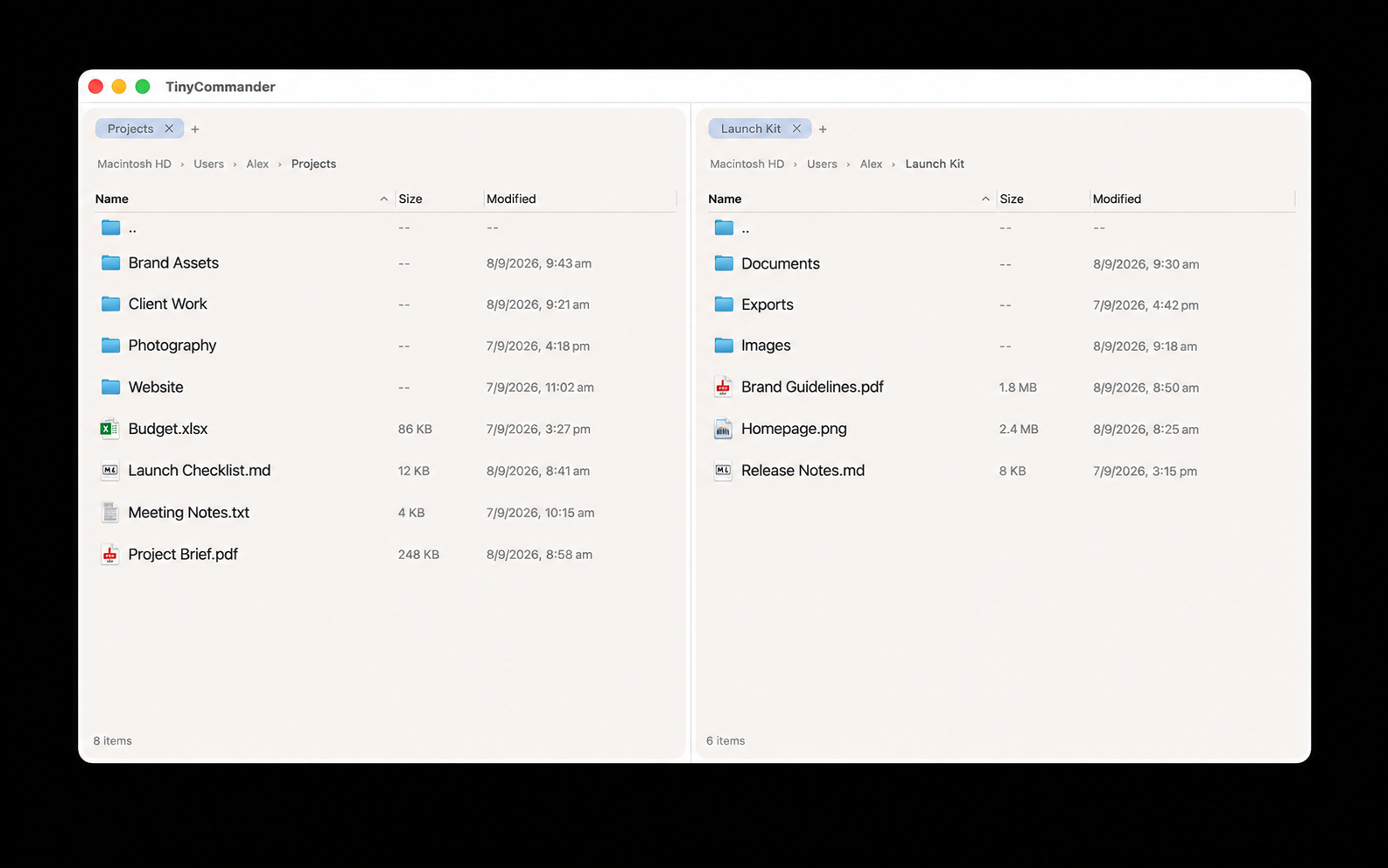
The current product is built around a simple promise: make the next file operation obvious without turning the window into a dashboard.
See source and destination together, with independent locations and tabs.
Use the command bar and familiar shortcuts for rename, view, edit, copy, move, new folder, and delete.
Browse local, removable, and network volumes through macOS file access and permissions.